|
2026 CAA Annual Conference and CAA-IT Meetings
Monday, November 16, 2026, 8:00 AM to Thursday, November 19, 2026, 5:00 PM PST
Category: CAA Events
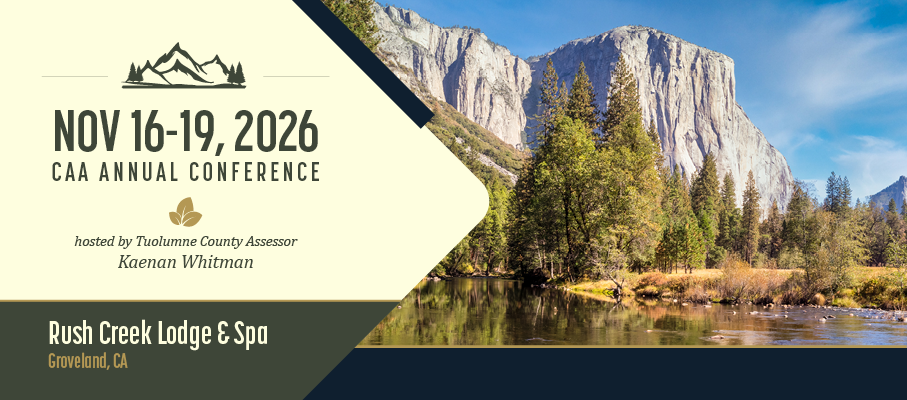
California Assessors' Association Annual Meeting and CAA-IT Meetings
hosted by Tuolumne County Assessor Kaenan Whitman
We are excited to share early details for the CAA 2026 Annual Meeting and CAA-IT Meetings to be hosted at the beautiful Rush Creek Lodge & Spa, just outside Groveland, California, in Tuolumne County. Please find registration and hotel details below.
CAA-IT specific Meetings will take place on the afternoon of Tuesday,11/17 and all-day on Wednesday, 11/18.
Join Us For A Round of Golf on Monday, November 16, 2026.
Click Here to Learn More and Register Today! (A separate registration is required)
Conference Agenda: Click Here (updated 11-10-2026)
CAA-IT Conference Agenda: Click Here
Registration and Sponsorship/Exhibitors
Response has been fantastic and registration is now closed. Should you have any questions, please do not hesitate CAA at 916.634.4203.
Registration Rates:
- California Assessor: $500
- Assessor Staff: $325
- Board of Equalization Member: $500
- BOE Staff: $325
- Guest: no charge
- Retired Assessor: no charge
Sponsorship/Exhibitor Opportunities:
- Platinum Sponsor (3 attendees): $5,000
- Gold Sponsor (3 attendees): $4,500
- Silver Sponsor (2 attendees): $4,000
- Lanyard Sponsor (1 available, 1 attendee): $1,000 - SOLD
- Swag Sponsor (1 available, 1 attendee): $2,500 - SOLD
- Refreshment Break Sponsor (3 available, 1 attendee/break): $1,000/each - SOLD
- Networking Reception Sponsor (2 attendees): $3,500
- Additional Exhibitor Attendee: $750/attendee
Hotel Reservation Details
Reservation Details (very important – please follow directly)
- Please access the reservation page HERE
- Select your dates of stay (please note that some dates will show as not available until step 3 below)
- Directly under the Check Out Date selection, please find the line that states “Special Codes or Rates,” this will open a few items below the date selection.
- Please change the default “Promo Code” to “Group Code”
- In the next box, please select: Enter Code,” and insert CAC26
- Click “Apply”
- Select your room and follow prompts to complete the reservation.
For assistance with reservations, please contact: 209-379-2373
Please click here for a Hotel Property Map
|

 Prev Month
 View Month
 Search
 Go to Month
 Next Month
 Export Event